
1.4 KiB
1.4 KiB
Monitor Multiple Hosts with tmux
Use tmux to show multiple socktop instances in a single terminal.
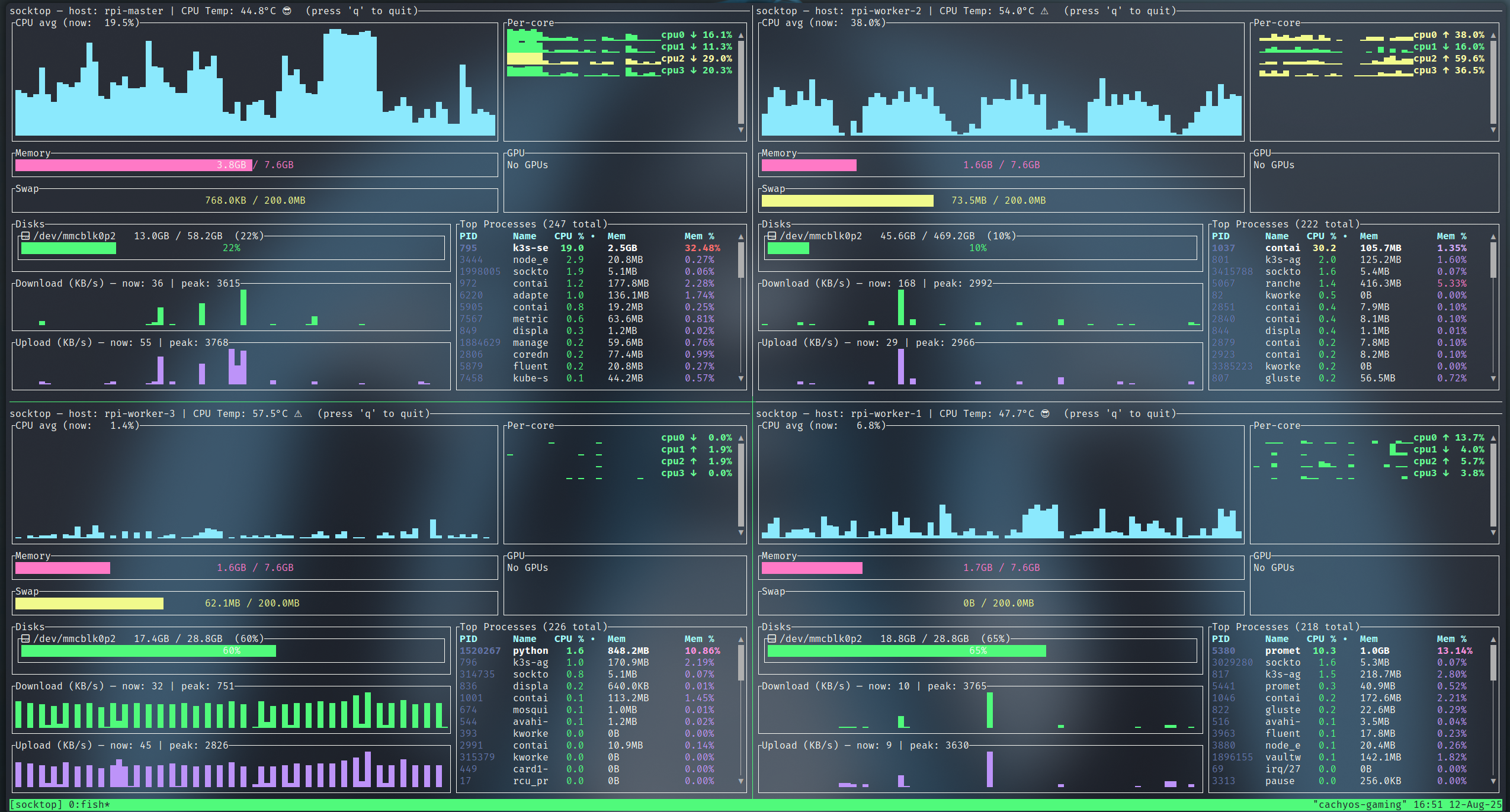 monitoring 4 Raspberry Pis using Tmux
Prerequisites
Install tmux:
# Ubuntu/Debian
sudo apt-get install tmux
Two panes (left/right)
This creates a session named "socktop", splits it horizontally, and starts two socktops.
tmux new-session -d -s socktop 'socktop ws://HOST1:3000/ws' \; \
  split-window -h 'socktop ws://HOST2:3000/ws' \; \
  select-layout even-horizontal \; \
  attach
Four panes (2x2 grid)
This creates a 2x2 grid with one socktop per pane.
tmux new-session -d -s socktop 'socktop ws://HOST1:3000/ws' \; \
  split-window -h 'socktop ws://HOST2:3000/ws' \; \
  select-pane -t 0 \; split-window -v 'socktop ws://HOST3:3000/ws' \; \
  select-pane -t 1 \; split-window -v 'socktop ws://HOST4:3000/ws' \; \
  select-layout tiled \; \
  attach
Tips
- Replace HOST1..HOST4 (and ports) with your targets
- Reattach later:
tmux attach -t socktop
Key bindings (defaults)
- Split left/right:
Ctrl-b % - Split top/bottom:
Ctrl-b " - Move between panes:
Ctrl-b+ Arrow keys - Show pane numbers:
Ctrl-b q - Close a pane:
Ctrl-b x - Detach from session:
Ctrl-b d
More Info
For detailed tmux documentation, see the tmux GitHub.